Save videos to read, not watch.
Every YouTube link you copy is auto-saved and analyzed by AI. Chapters, transcript, key quotes — search hours of video by what was actually said. Tutorials, conference talks, podcasts, lectures. Watch later, or skip the watch entirely.
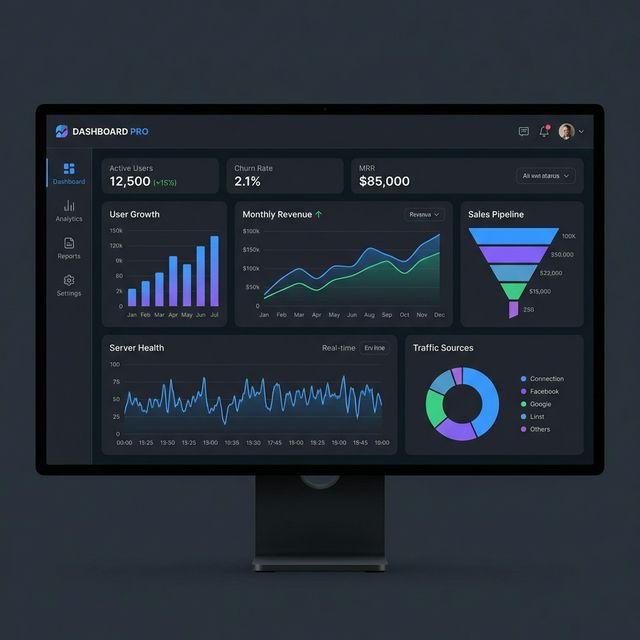
Building a SaaS Dashboard in Next.js 14: From Zero to Production
Frontend Masters · 84K views · 2 weeks ago
How it works
Three steps. Every YouTube URL you copy becomes a searchable AI summary — automatically.
Copy any YouTube URL
Auto-saved with thumbnail, title, channel, and author. No separate save action, no manual import. Works from tweets, Slack messages, Reddit, anywhere.
AI analyzes the video
Advanced reads the transcript for chapters, summary, key quotes (3 credits/video). Pro watches the actual video for sentiment, visual complexity, and highlights (1 credit/minute).
Search by what was said
Find a tutorial by a function name, a talk by a quote, a podcast by a topic. The full transcript is searchable across your entire clipboard feed.
For research, not entertainment
If YouTube is part of how you learn or work, KopyFeed turns it into a searchable knowledge library — not just a watch-later queue.
Coding Tutorials
Find any tutorial by the function, library, or framework name mentioned in it. No more rewatching to find that one snippet.
Conference Talks
Save talks from KubeCon, ReactConf, WWDC. Search by speaker name, quote, or topic — even if the talk is 60 minutes long.
University Lectures
Capture full course playlists. Find the lecture where a concept was explained by typing a keyword from the discussion.
Product Reviews
Comparison shopping. Save every review of a product you're considering — search across all of them by feature mentioned.
Podcast Video Episodes
Long-form podcasts on YouTube. Three hours of conversation becomes searchable text — find any moment by a phrase from the discussion.
News & Commentary
Track takes on a story across creators. Find who said what about an event without scrubbing through video after video.
Cooking Tutorials
Capture recipes from chefs. Search by ingredient, cuisine, or technique to find the right recipe across your saved cooking videos.
Language Learning
Capture videos in any of 100+ languages. Transcripts let you search vocabulary or phrases mentioned across your study materials.
Two analysis modes. One capture flow.
Pick the depth you need. The capture itself is identical — you don't have to think about modes at copy time.
Transcript Analysis
Advanced + Pro
3
credits / video
- •AI-generated chapters with timestamps
- •Full summary & key topics
- •Key quotes pulled from the transcript
- •Falls back to author timestamps when no captions
- •No video length limit
Full Video Analysis
Pro exclusive
1/min
credits
- •Everything in Transcript Analysis
- •AI watches the video — no caption dependency
- •Sentiment tracking across the runtime
- •Visual complexity & conversation dynamics
- •Highlight-moment detection
Native video understanding
Powered by Google Gemini's native video URL ingestion. No separate transcript service, no scraping, no third-party API in the loop.
Private by default
Paid Gemini API tier — Google does not use your prompts or videos to train their models. Sensitive content is detected on-device and never analyzed.
Hours-long content
Transcript mode is unlimited; Full Video handles roughly 1 hour at default resolution, up to 3 hours with automatic resolution fallback.
Frequently asked questions
Everything about KopyFeed's YouTube analysis.
Related features
More ways KopyFeed turns your clipboard into a searchable knowledge feed.
OCR Clipboard
Every screenshot you copy becomes searchable text — receipts, code, whiteboards, business cards.
Link Saver
Every URL you copy is summarized, tagged, and organized by AI. Better than bookmarks.
Browser-Only Clipboard
KopyFeed only captures inside your browser. No system clipboard monitoring, ever.
Read your YouTube, don't binge it.
KopyFeed launches soon. Join the waitlist — be first to turn YouTube into a searchable library.